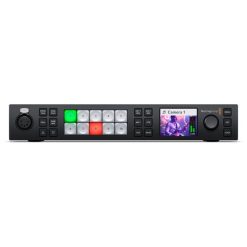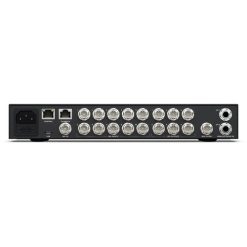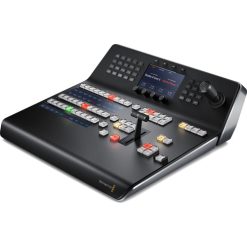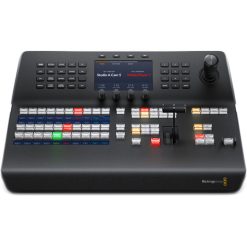



Blackmagic Design ATEM Television Studio HD8 2TB
4,692.86 € (inc tax)
- Integrated 2TB M.2 NVMe Storage
- 8-Input 3G-SDI 1080p60 Live Switcher
- Redesigned Buttons and Layout
- Record Each Input to Separate Files
- Supports Remote Internet Cameras
- Streaming Support, USB & M.2 Recording
- Blackmagic Cloud Integration
- Up to 16 Multiview Output Sources
- Audio Mixing, Transitions, T-Bar, AUX
- Customizable Electronic LCDs
- Camera Control, Timecode, Talkback
Available on backorder
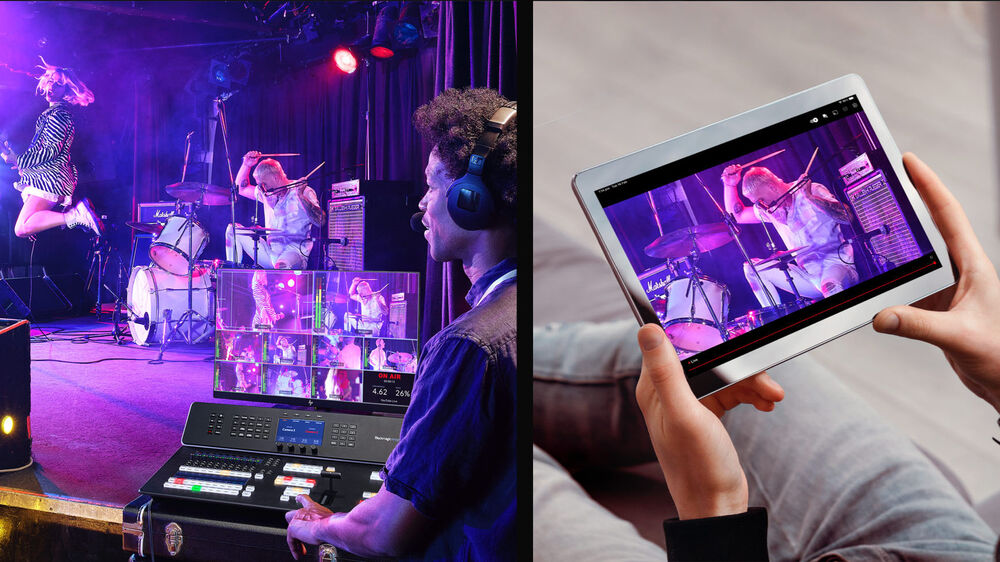
Live Production
Distribution
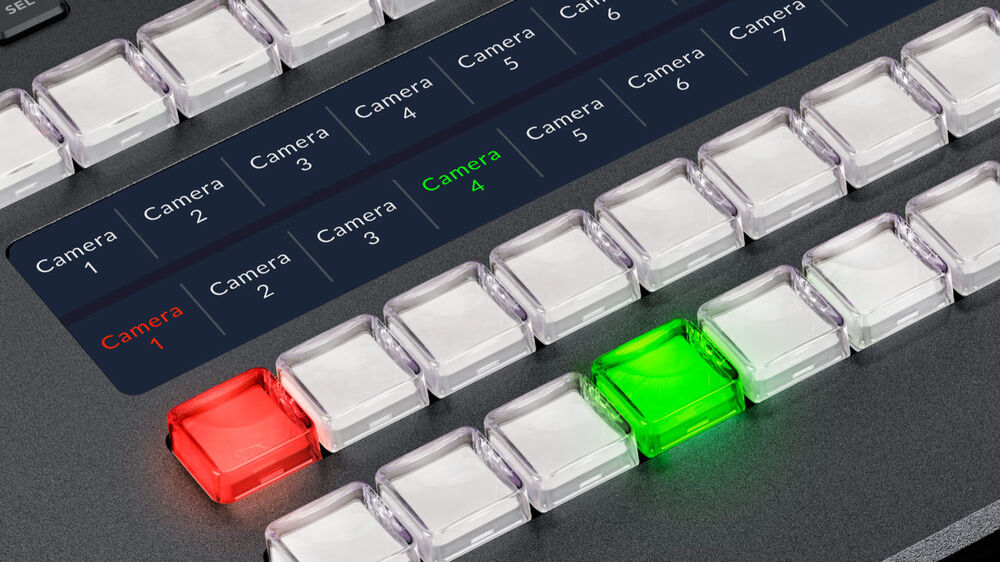
Production Switcher Control
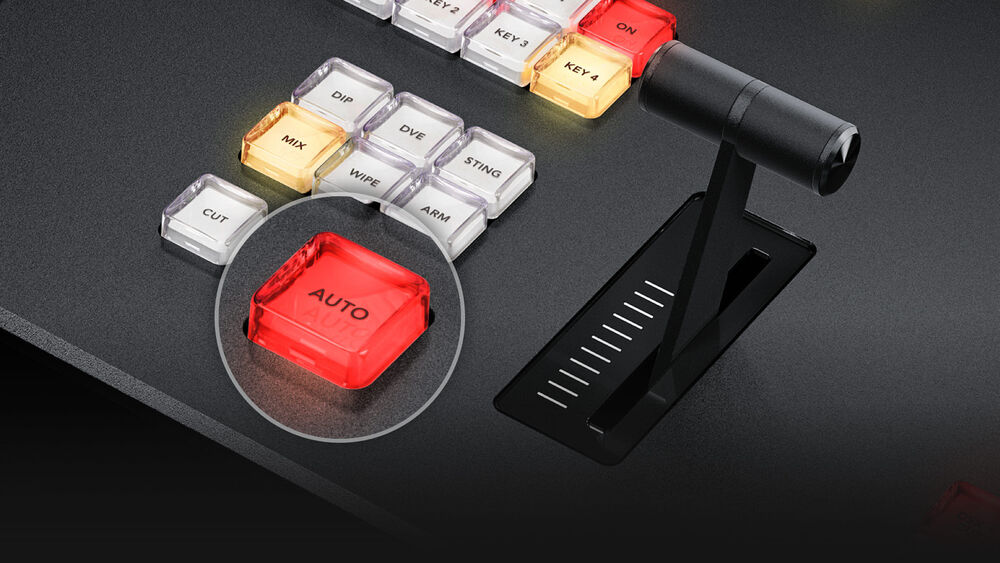
Easy Setup and Usage
Redesigned Front Panel
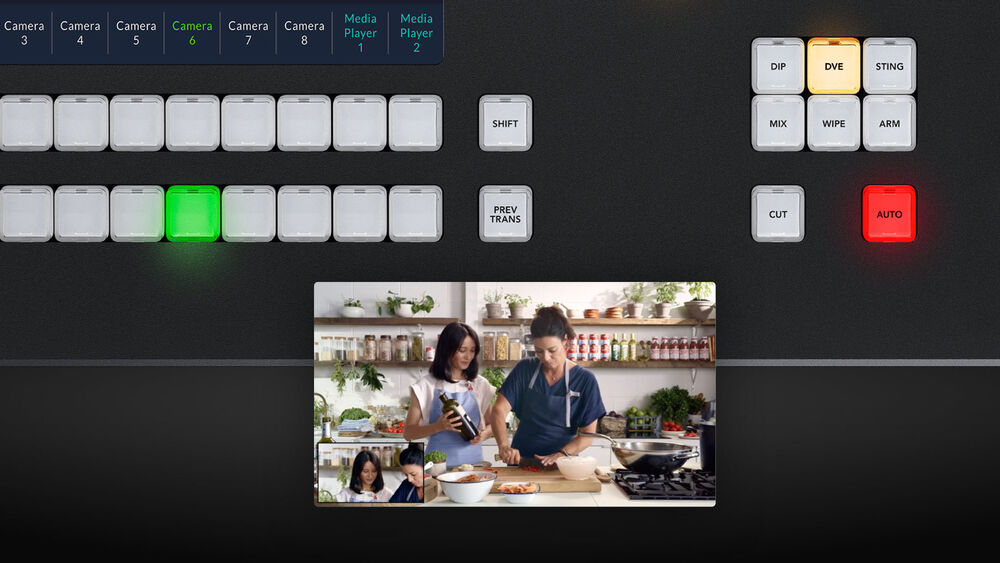
Broadcast-Style Mix/Effects Switching
Add Exciting Video Effects
Creative Transitions
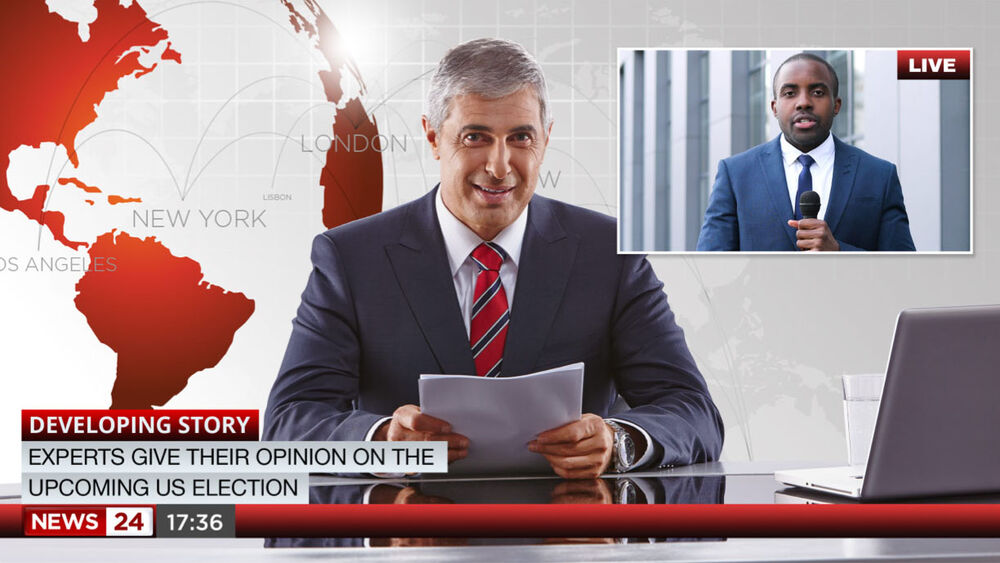
Built-In DVE
Supports Internal Media
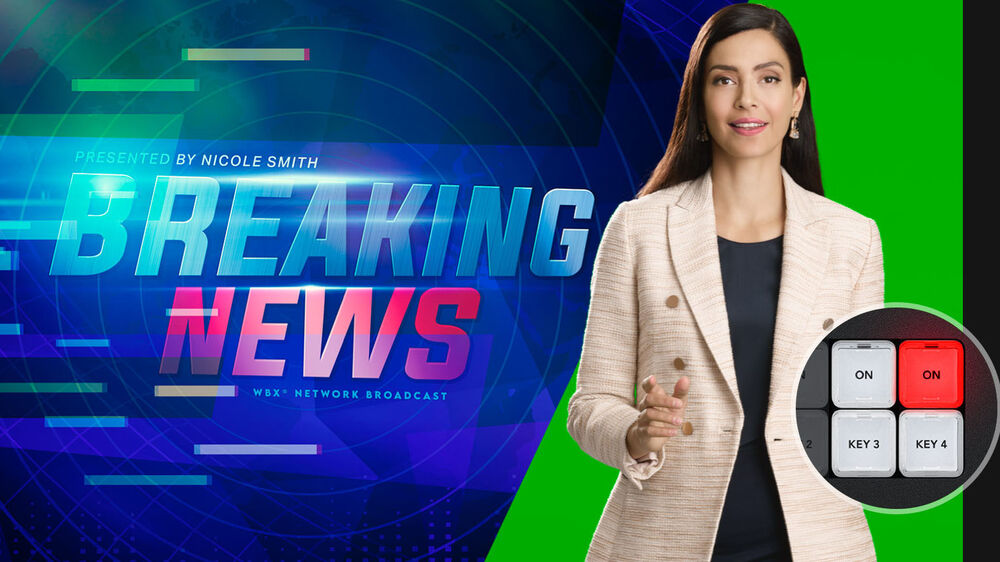
Includes Four ATEM Advanced Chroma Keyers
SuperSource Processing
Eight Standards Converted 3G-SDI Inputs
The ATEM Television Studio HD features eight independent 3G-SDI inputs, with each input featuring its own dedicated standards converter. That means it’s possible to convert any 1080p or 720p input source to the video standard of the switcher, so you can have each switcher SDI input running a different television standard, and all the inputs would just work.
SDI input audio channels 1, 2, 3, and 4 can also be manually routed to various embedded audio channels in the program and aux outputs. Plus, you can even route out audio channels 1 and 2 from the SDI inputs to the MADI digital audio output, so you can hand off the switcher input audio to an external audio engineer for mixing.
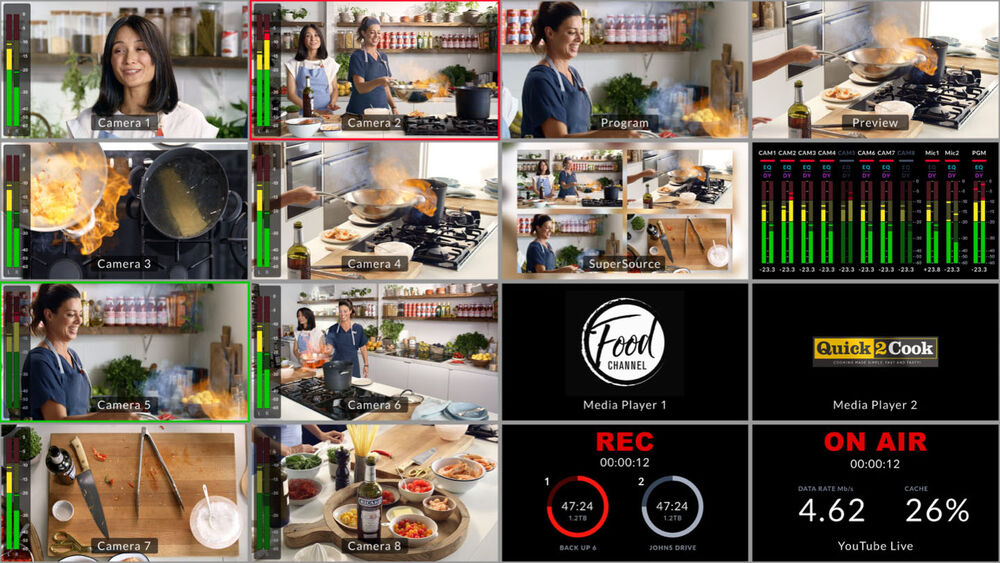
16-Source Multiview on a Single Monitor
Add Audio Expansion for More Microphones
If you’re building a podcasting studio or you need more microphones, then the ATEM Microphone Converter allows audio input expansion. It connects to the ATEM Television Studio using the MADI port, so there’s no complex setup, and you can daisy-chain units to add more inputs. Each converter has four analog inputs that are mic/line selectable and have phantom power.
The design features amazing quality with an extremely low noise floor of -129 dBV, a dynamic range of 131 dB(A), low distortion of 0.002%, and uniform tolerances across all channels. It even uses eight separate ADCs on each input to collectively extend the dynamic range. Plus, it has a fun HDMI monitoring output with scrolling audio waveforms.
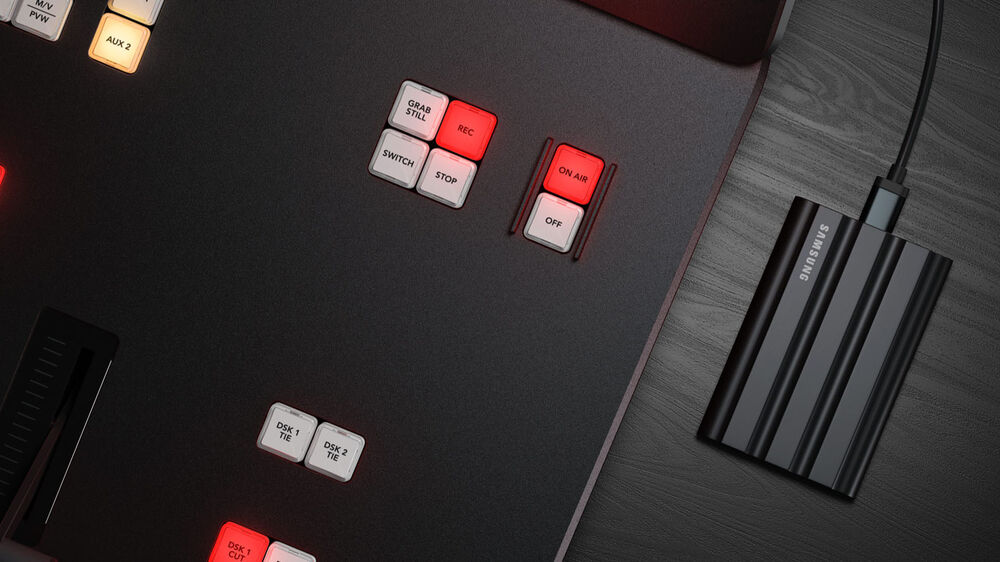
Record Direct to Internal Cloud Storage or USB Disks
ATEM Television Studio HD supports recording to external USB flash disks or to the integrated 2TB M.2 flash drive, which allows you to record directly to internal cloud storage. The internal storage plus any external USB disks will be available to share over the local Ethernet network, so other people can work on postproduction tasks such as editing, color correction, and graphics preparation.
All recordings are in H.264 format with AAC audio for broadcast-quality video and small file sizes. You can also connect multiple USB disks, so recording will continue if a disk becomes full. You even get buttons on the control panel to start recording, and you can see the record status in the multiview.
Outputs to Any Software that Supports USB Webcams
You can use any video software with ATEM Television Studio HD because the USB connection will emulate a webcam. That means you can plug into a computer and use any video software that works with a webcam. The software is tricked into thinking the ATEM Television Studio HD is a common webcam, but it’s really a live production switcher. That guarantees full compatibility with any video software and in full-resolution 1080p quality.
Imagine doing a presentation from a professional broadcast studio to software such as Zoom, Teams, or Skype. For streaming, the webcam output also works with streaming software such as Open Broadcaster, XSplit Broadcaster, and more.
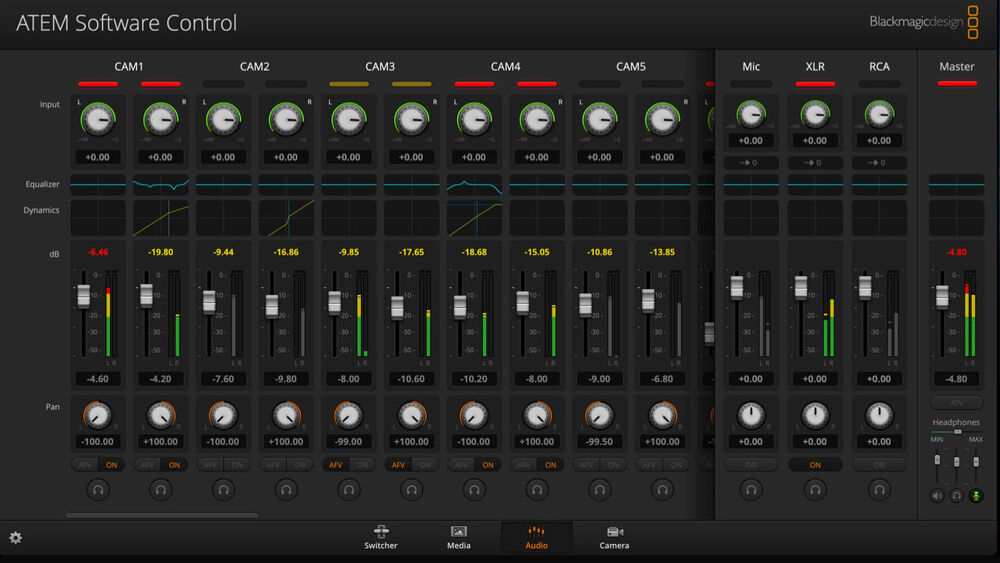
Includes Free ATEM Software Control Panel
The ATEM Software Control app unlocks the hidden power of ATEM Television Studio HD by allowing access to all the features in the switcher. ATEM Software Control features a visual switcher user interface with parameter palettes for making adjustments. Although you can connect via USB, if you connect using Ethernet, you can run multiple copies of ATEM Software Control on different computers.
The software lets you live switch, mix audio, color correct in the cameras, and manage media. You can also build and run complex macros from the software. Plus, you can save the switcher state as an XML file for recalling jobs later. You can even control external HyperDeck recorders.
Localized for 13 Popular Languages
ATEM Television Studio HD supports multiple languages in the menus and the ATEM Software Control, so you can customize it to the language you prefer. You get support for English, Chinese, Japanese, Korean, Spanish, German, French, Russian, Italian, Portuguese, Turkish, Polish, and Ukrainian languages.
Simply go into the setup menu to change the language, or you can always switch to another language at any time in the future. Once a language is selected, the menus on all the LCDs will change to the selected language. Multiple language support means ATEM Television Studio HD is perfect for doing live production work anywhere in the world and with any crew.
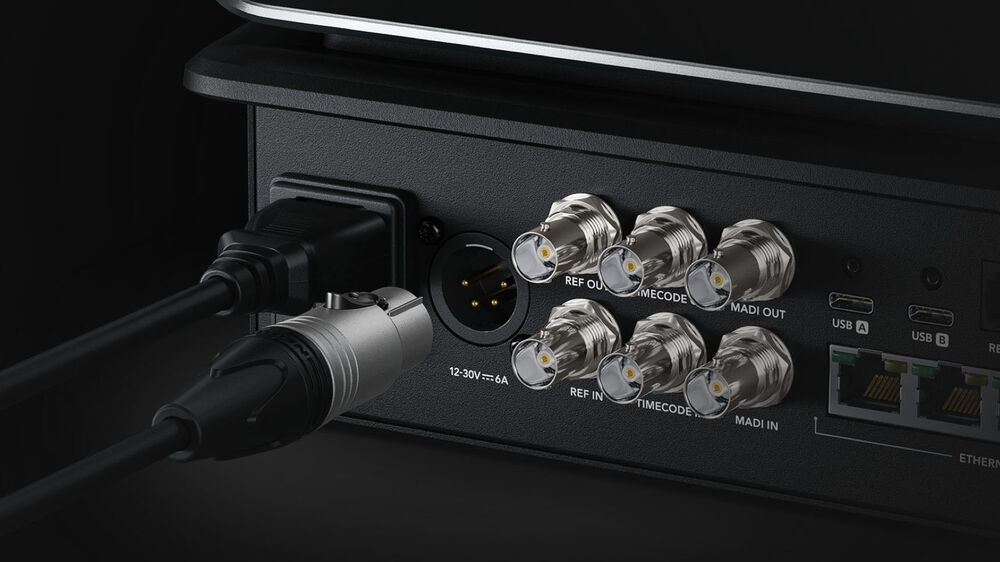
Flexible and Redundant Power
The all-in-one design of ATEM Television Studio includes a built-in power supply, so you don’t have to carry around an external power brick. Simply plug it into any AC mains outlet and start live production. The international power supply automatically works from 100 to 240 VAC, so you can use it anywhere in the world. Plus, ATEM Television Studio includes both AC and DC power connections.
A broadcast-standard XLR 12 VDC power connection is included, which is perfect for backup power or for running on batteries. That means you can use it in extremely remote locations. Plus, if the internal power supply should malfunction, then you can simply connect an external DC supply to keep running.
Designed to Be Easy to Repair
With so many features built in, it’s vital that the ATEM Television Studio can be easily repaired. Plus, there is already a lot of built-in redundancy, with four Ethernet connections, nine program SDI outputs, two USB ports, and two power connections. However, if someone trips on a cable and breaks a connector, then you need to be able to repair the connector at low cost.
All the internal electronic PCBs are modular, so any qualified technician can buy a replacement and easily swap the board. This includes the connector PCBs, which can be purchased separately. All the technician needs to do is remove the bottom cover and replace the PCB. A large broadcaster could even buy the boards as a spare parts kit.
Applications
Compact Broadcast Vans
Music Venues and Clubs
Live Sports
| Weight | 11.9 kg |
|---|---|
| Dimensions | 72.4 × 54.6 × 25.4 cm |
Related products